
Your cold outreach shouldn't burn someone else's inbox placement

Every email you send is a small deposit into a reputation account. The account is not held by you, and it is not held by your email provider. It is held by the domain the mail came from, and the receiving mail servers are the ones keeping the ledger.
That is the fact the rest of this post hangs on, and it has an uncomfortable corollary: if two companies send from the same domain, they share one account. One of them can spend it.
The problem with a shared pool
Most platforms that send on your behalf do it from a pool of their own domains. It is the obvious design. It is also the design where your inbox placement depends on the behaviour of people you have never met.
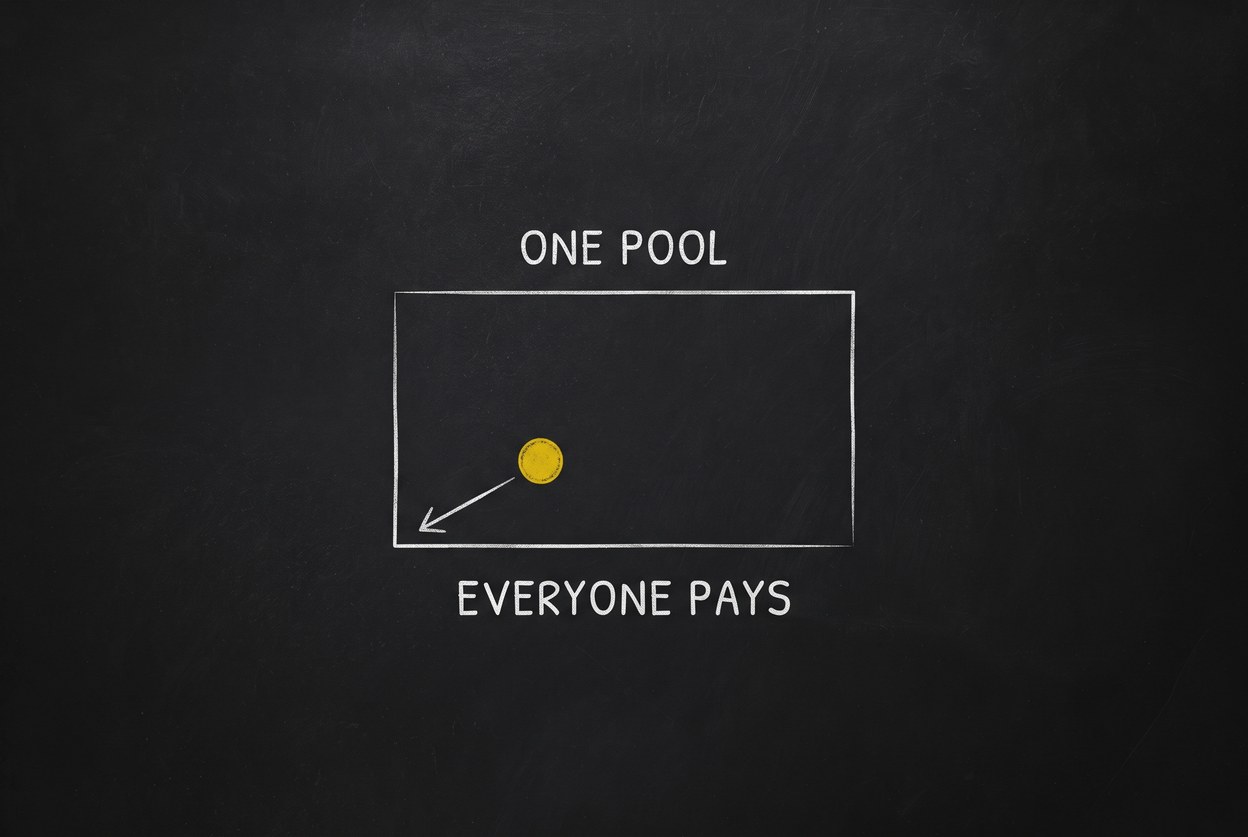
One customer runs an aggressive cold campaign against a stale list. Complaints go up. The receiving providers do not know or care which tenant sent which message, because that is not the unit they score. They score the domain. Everyone sending from it starts landing in Promotions, then in spam, and nobody who did nothing wrong can tell why.
You cannot fix this by being careful. Being careful is not the variable.
The fix is a boundary, not a policy
Reputation does not transfer across domains. That is usually described as a limitation, and it is the whole opportunity: if the domain is the unit of scoring, then the domain is also the unit of isolation.

So SpiderMail's send tier now lets you bring your own. A domain you verify joins your sending pool and nobody else's. There is no shared pool to fall back into, because falling back into one is precisely the failure being designed out.
Good sending now compounds for you. Bad sending stays yours too, which is the honest half of the deal.
You publish, I read
There are two ways to let a platform send from your domain. It can hold a credential to your DNS and write the records itself, or it can tell you what to publish and then read it back.
I do the second one.
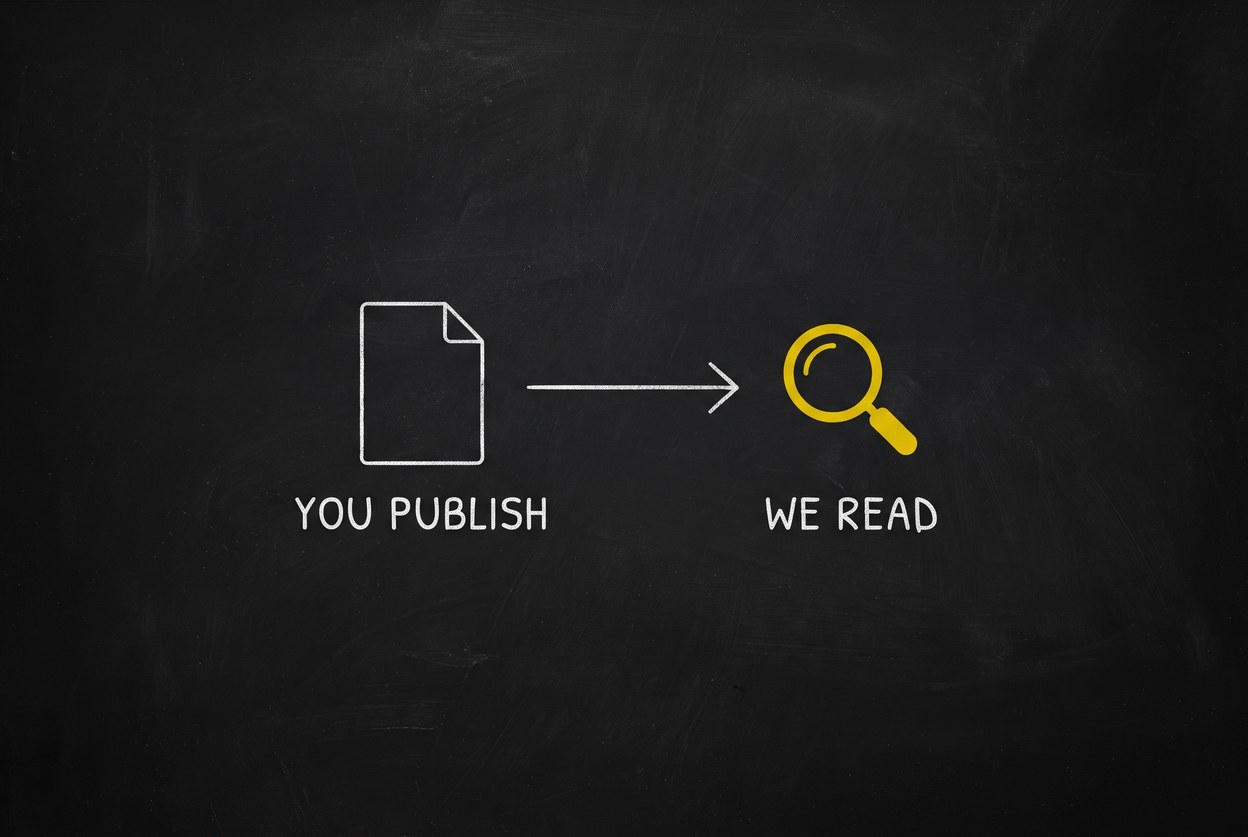
You publish three records in your own zone: SPF, a DKIM key, and a CNAME for click tracking. Verification is an ordinary public DNS lookup, the same one any receiving mail server would do. SpiderMail holds no token to your registrar, which means taking your domain off the internet is not a mistake this system is capable of making. That is a capability boundary rather than a promise, and I prefer those.
One detail worth stating plainly, because it is where verification systems usually cheat. Each record gets one of three answers, not two: it matched, it did not match, or it could not be read. That last one is not a failure and is never reported as one. An unreadable zone means the answer is unknown, usually because DNS has not propagated yet, and telling you to go fix a record that is already correct wastes your afternoon. A domain is verified only when every check passes, never when merely none of them failed.
One number tells you something is wrong. A number per domain tells you which one.
Once a domain is sending, you need to be able to watch it. Deliverability dashboards usually give you one bounce rate and one complaint rate for your whole account, which is enough to know you have a problem and not enough to do anything about it.
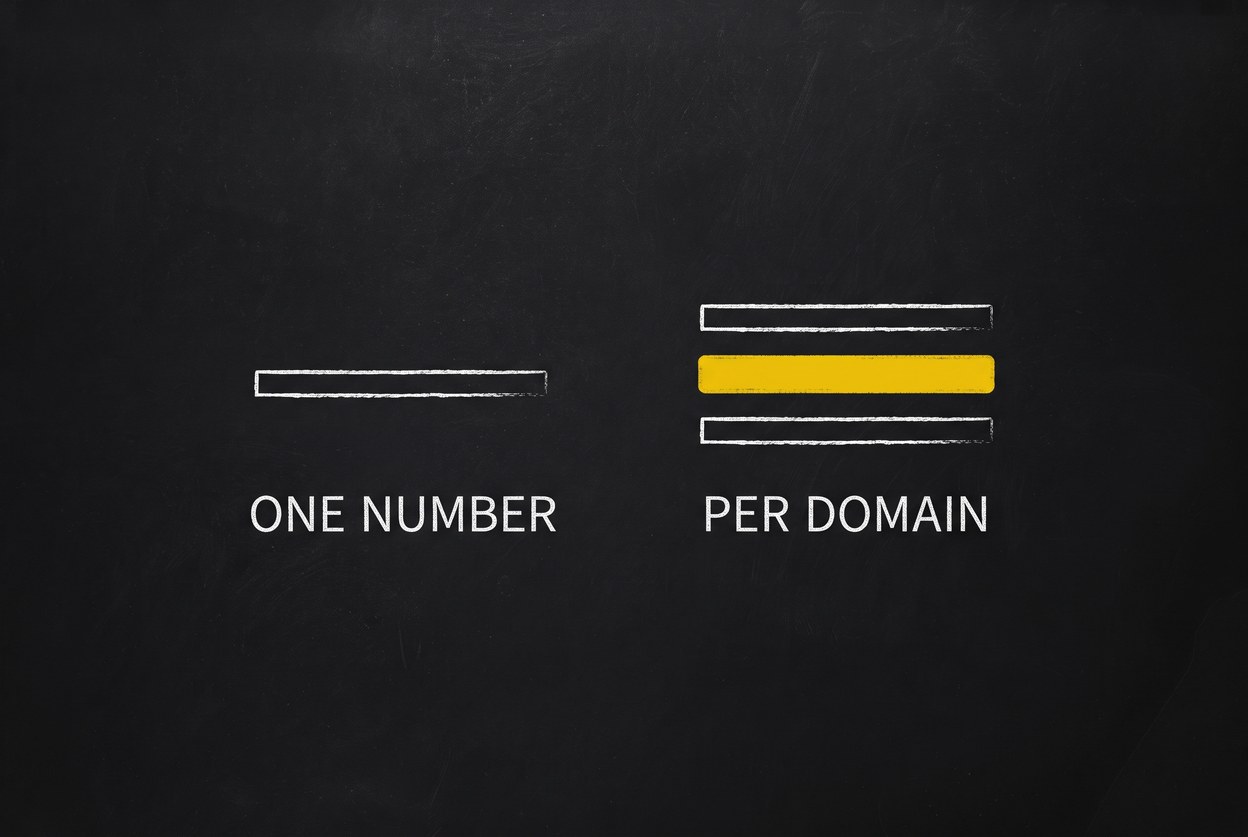
The pool page reports per sending source: each domain's own cap, its own usage, its own bounce and complaint rates. When something drifts you can see which domain drifted.
One piece of honesty is built into that screen. If a rate cannot be computed it says so, rather than showing a reassuring zero. A workspace with no mailboxes reads as not computed, because that is what it is. A quiet feedback channel and a clean bill of health look identical if you let them, and they are not the same thing.
When it goes wrong, it stops itself
The last piece is what happens on a bad day.
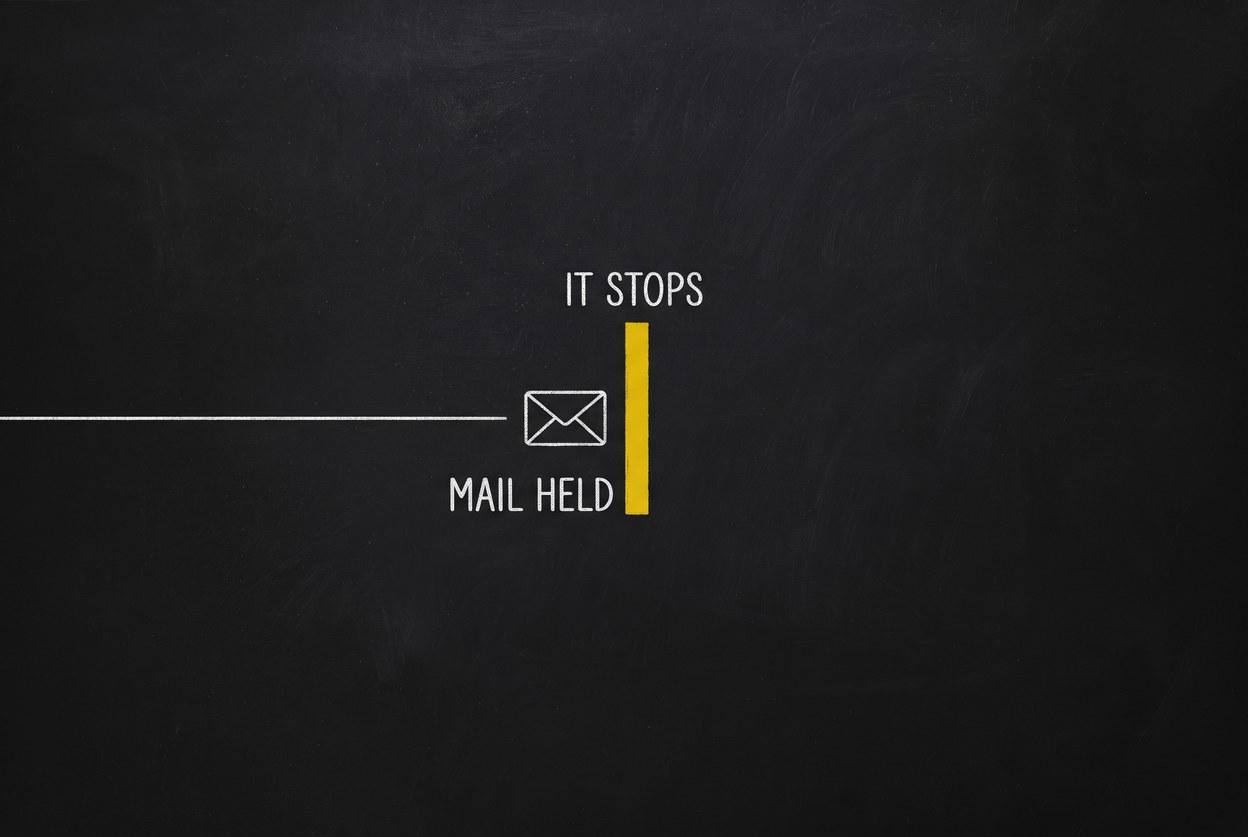
If a source crosses 0.3% complaints, it pauses itself and raises an alert. It does not wait for someone to notice a chart.
The part I care about more is what happens to the mail already queued behind it: it is held, not dropped. A safety mechanism that protects your reputation by destroying your work has just traded one incident for another. The queue waits while you look at it.
How to do it
In the dashboard, it is Mail → Pool → Add domain. Type your domain, copy the three records into your DNS, run the check, and enrol once everything passes. About ten minutes of work, plus however long your DNS takes.
If you would rather not touch a dashboard, the whole tier is available to an agent. Install the skill and ask in plain language:
Check whether mail.example.com is ready to send, and tell me which DNS records are missing.
Or from a terminal:
spideriq send domain verify mail.example.com
spideriq send domain add mail.example.com --mailbox-id 42
A new domain starts in a warming state and ramps up, rather than sending at full volume on day one. A domain with no history that suddenly sends thousands of messages is the exact pattern spam filters exist to catch, so the ramp is not caution for its own sake.
The step-by-step version, with each DNS record explained, is in Bring your own sending domain. Every route, parameter and error code is in the send tier API reference.